How to Integrate DPD with a Custom Workflow
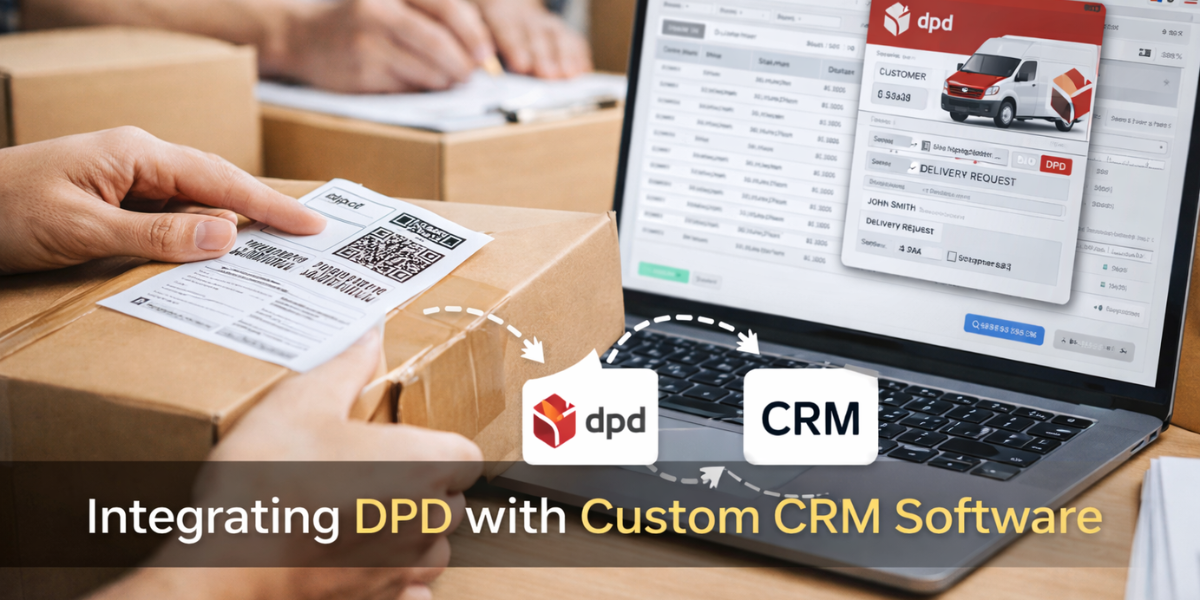
📦 Integrating DPD with Custom Workflow Software (Without the Headache)
If you’ve ever watched someone on your team open three tabs just to send one parcel, you’ll know exactly why delivery admin becomes frustrating so quickly.
One screen for customer details.
Another for orders.
Then DPD in a separate window altogether.
It works, technically. But it’s slow. And when you’re shipping every day, that friction shows up everywhere — missed details, repeated customer queries, and staff spending far too much time on tasks that feel unnecessary.
This is usually the point where businesses start asking whether their systems are actually helping them… or just getting in the way.
Where Things Usually Go Wrong
Most companies already have systems in place to manage customers and orders. That part usually works well. Shipping, however, is often added later as an afterthought.
Someone copies an address.
Someone pastes it into DPD.
Someone emails the tracking link.
Someone else answers “Where’s my parcel?” the next day.
None of this is complicated — but it is repetitive. And repetition is where small mistakes start to creep in.
What Changes When DPD Lives Inside Your Workflow
When DPD is properly integrated into your workflow, delivery stops being a separate task altogether.
An order is placed.
The shipment is created automatically.
The label is generated.
The tracking number is stored alongside the order details.
No switching between systems. No second-guessing postcodes or addresses. If a customer calls, anyone on the team can instantly see what’s happening — without chasing information around the office.
It sounds simple, but this is often the moment teams realise how much time they were losing before.
If you’re considering DPD integration and want to explore your options, feel free to get in touch with our team.
Get In Touch Call me back
Why a Custom Workflow Makes the Difference
Plenty of off-the-shelf tools claim to “integrate” with couriers. In reality, that often means a basic connection that only works if you adapt your processes to fit the software.
A custom workflow is different.
You decide when shipments are created.
You decide what data is sent to DPD.
You decide how and when customers are notified.
If you need delivery rules, exceptions, multiple couriers, or internal approval steps, they can all be built around how you operate — not forced into a generic template.
Why Businesses Usually Do This Later Than They Should
Interestingly, most companies don’t plan delivery integration from day one. It usually comes after growth.
More orders.
More staff.
More support emails.
That’s when the cracks become obvious. Integrating DPD into your workflow isn’t about clever technology — it’s about removing small, everyday frustrations that quietly drain time and energy.
A Final Thought
Shipping will never be the most exciting part of running a business. But when it’s disorganised, everyone feels it — staff and customers alike.
Integrating DPD into a well-designed workflow won’t change what you deliver, but it can transform how smoothly everything runs behind the scenes. And in many cases, that’s where the biggest gains are made.
At Web Alliance, we design custom workflow systems that reflect how real teams work, including practical integrations like DPD. If delivery plays a big role in your operation, it’s worth getting it right.
FAQs
Q. What does integrating DPD with a custom software really mean?
Q. Why do companies bother integrating DPD into their development strategy?
Q. Does this only work with certain software systems?
Q. Will staff need training after the integration?
Q. S DPD integration worth it for smaller businesses?
Related Blogs
Bespoke System vs Excel Choosing the Right Tool for the Job
If you’ve been in business for a while, you’ve …

Customising a CRM solution for changing financial services
Client relationships sit at the very core of the financial …

How much does it cost to hire custom software developers in 2024
Getting custom software is an increasing trend in all …